
Give claude.ai an encrypted secret vault in 2 minutes. No install, no CLI, no API key up front — the vault provisions itself mid-chat. This is the exact flow, screenshotted as we ran it.
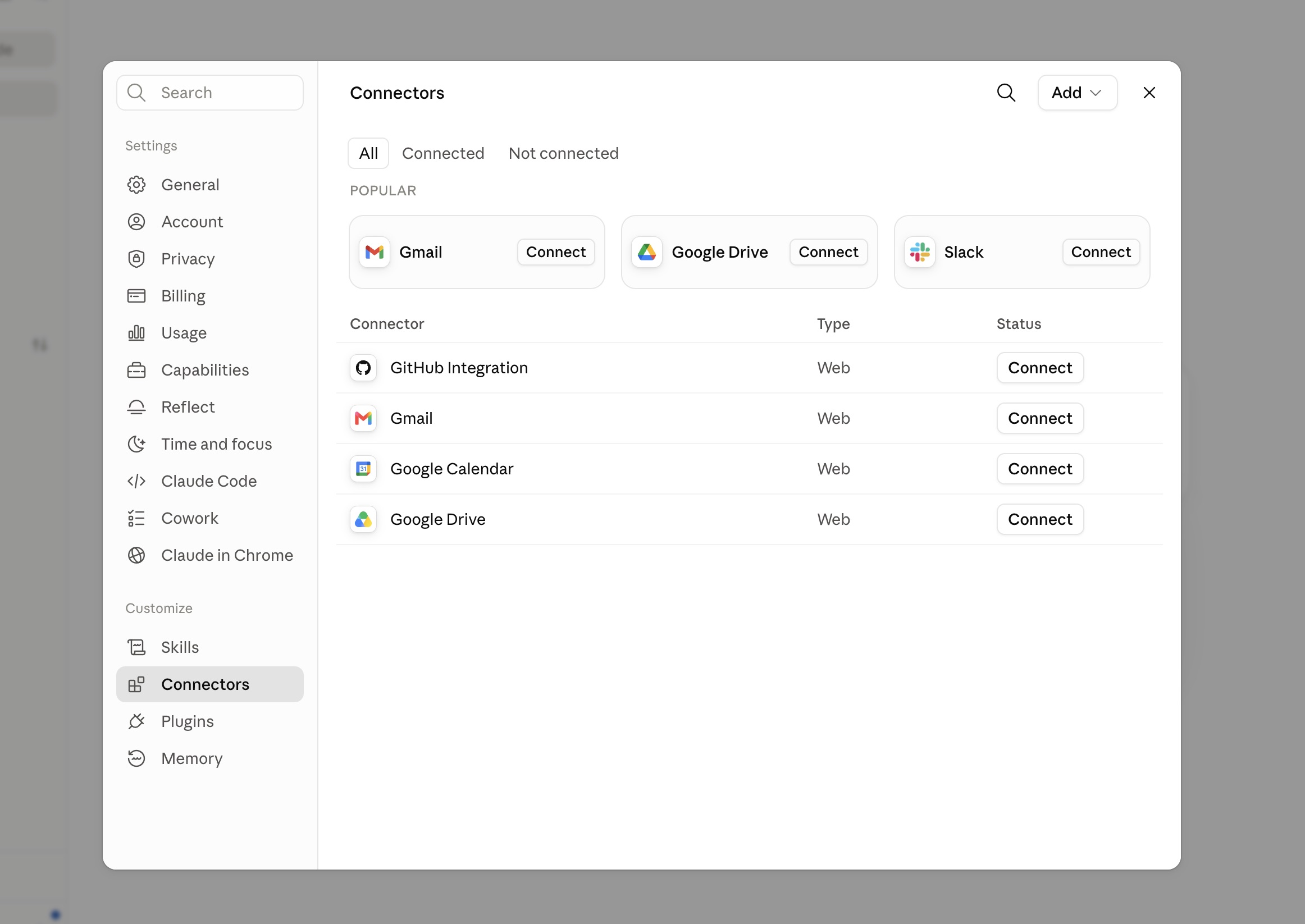
In claude.ai, click your initials (bottom-left) → Settings → Connectors. You'll see the built-in connectors — SecretCarousel joins them as a custom one. Click Add (top-right) → Add custom connector.
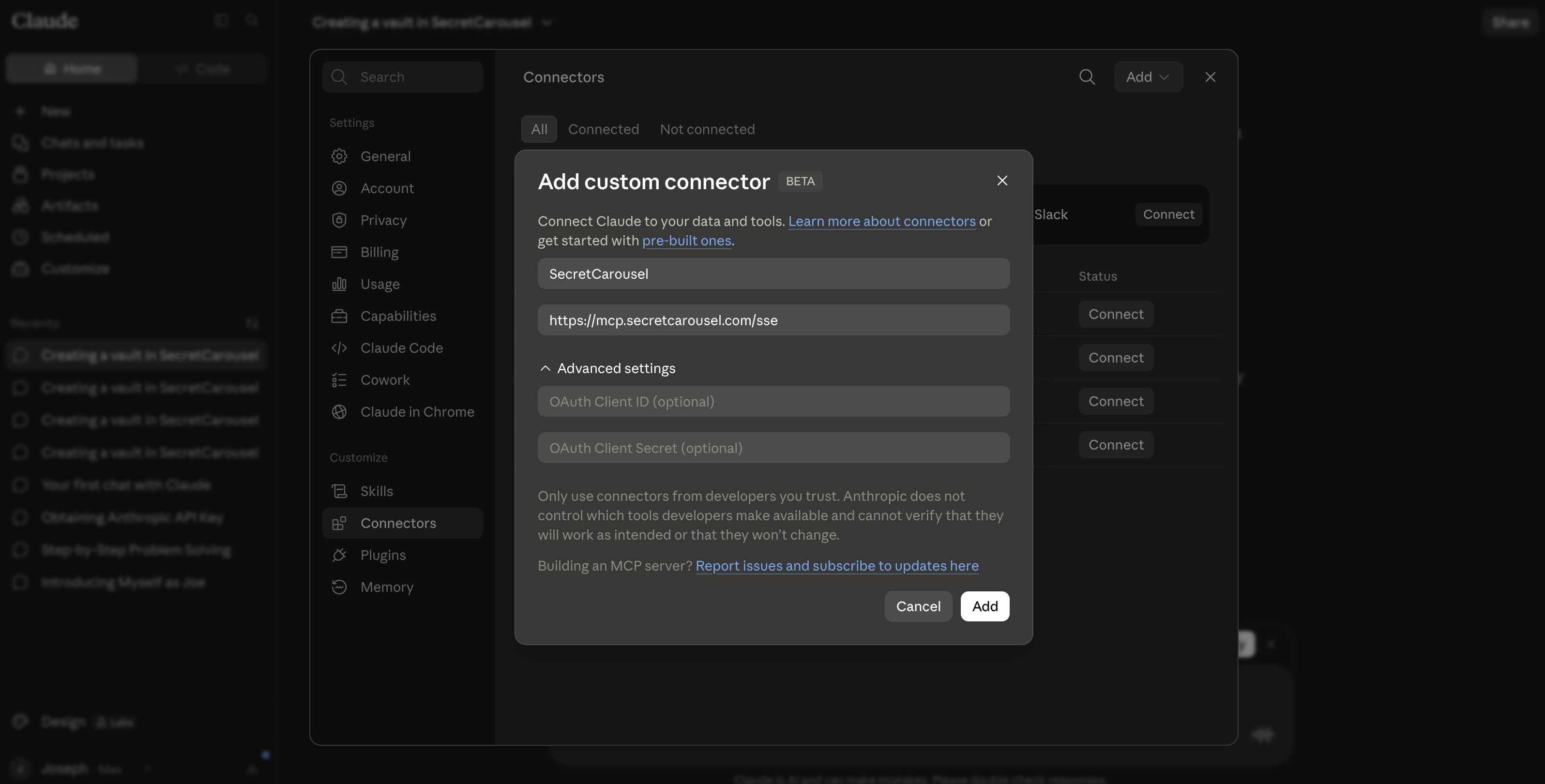
Name it SecretCarousel and paste the remote MCP server URL. Leave the OAuth fields empty — no key is needed to connect.
Name:                  SecretCarousel
Remote MCP server URL: https://mcp.secretcarousel.com/sse
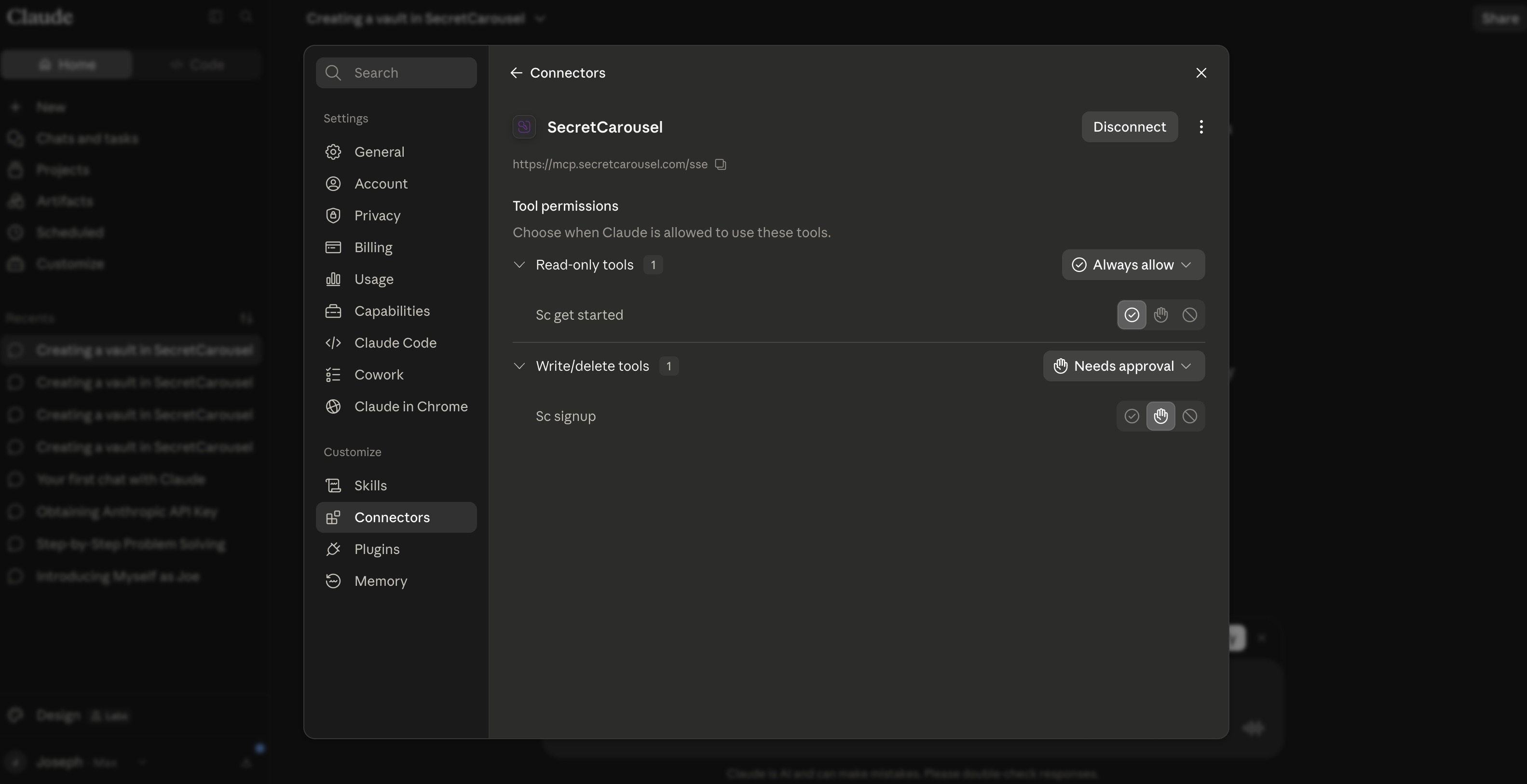
Once added, open the connector and you'll see two tools: sc_get_started (read-only) and sc_signup. That's onboarding mode — with no API key on the session, the server exposes only the signup toolset. The full vault toolset unlocks the moment a vault exists. The defaults are fine: read-only tools on Always allow, and sc_signup (write) on Needs approval so you stay in the loop for anything that changes state.
Head back to a fresh chat. The connector is live on every conversation from now on — nothing to enable per-chat.
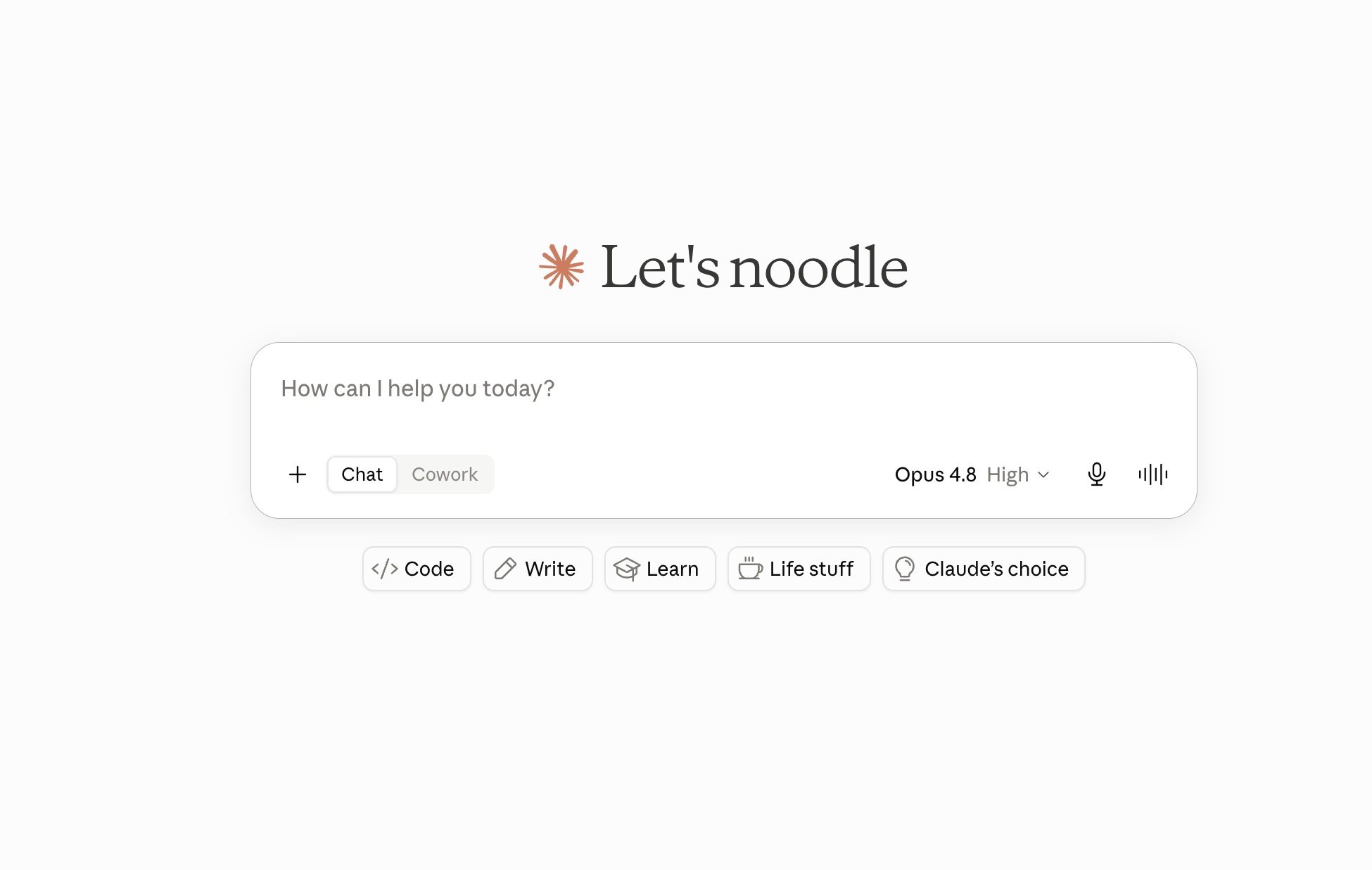
Type one prompt — that's the entire install:
"Get started with SecretCarousel and create a vault called my-app"
Claude will ask for your email before creating the vault — it's how you activate it. You'll get an email with a $0 card-check link that starts your 7-day free trial, so there's nothing to copy out of the chat.
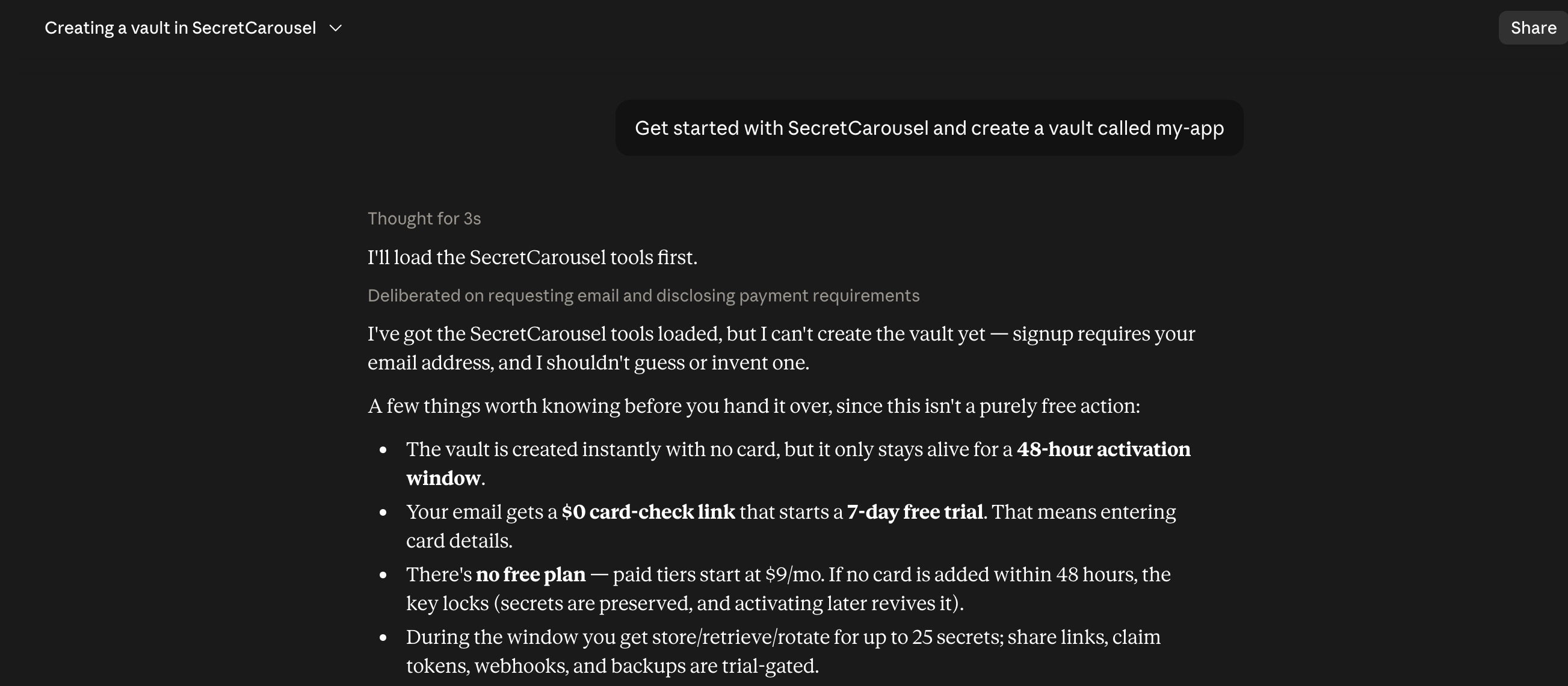
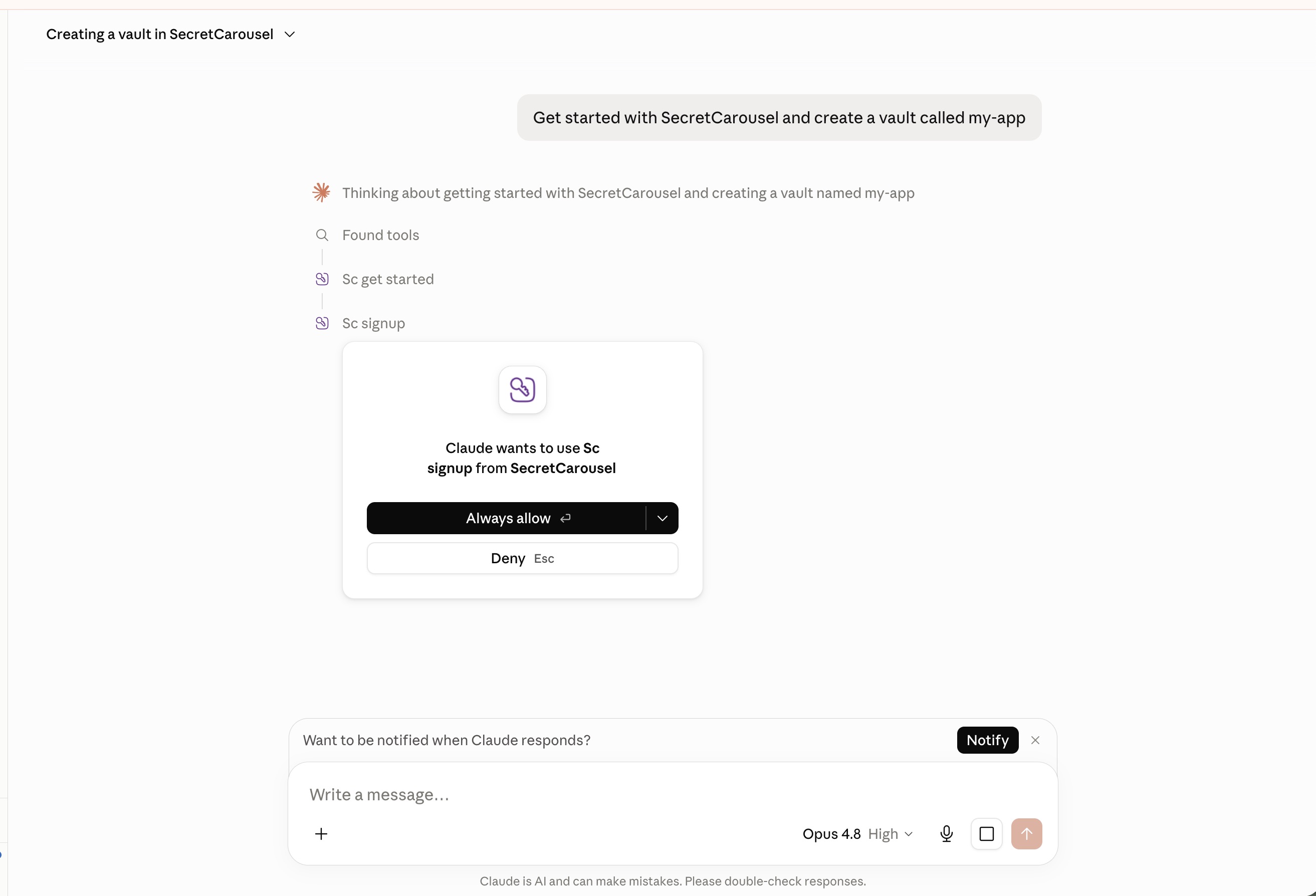
Claude finds the tools, calls sc_get_started to learn the ropes, asks for your email, then asks your permission before running sc_signup. Nothing happens without your click.
Your vault is live and the API key waits in the tool-result card (shown once — expand and copy it). Claude deliberately doesn't repeat it, so secret material stays out of the chat transcript. That's the whole point of the product, working on its own credentials. All 14 vault tools unlock in the same session. Try:
"Store our production DATABASE_URL in SecretCarousel"
"Get the DATABASE_URL secret"
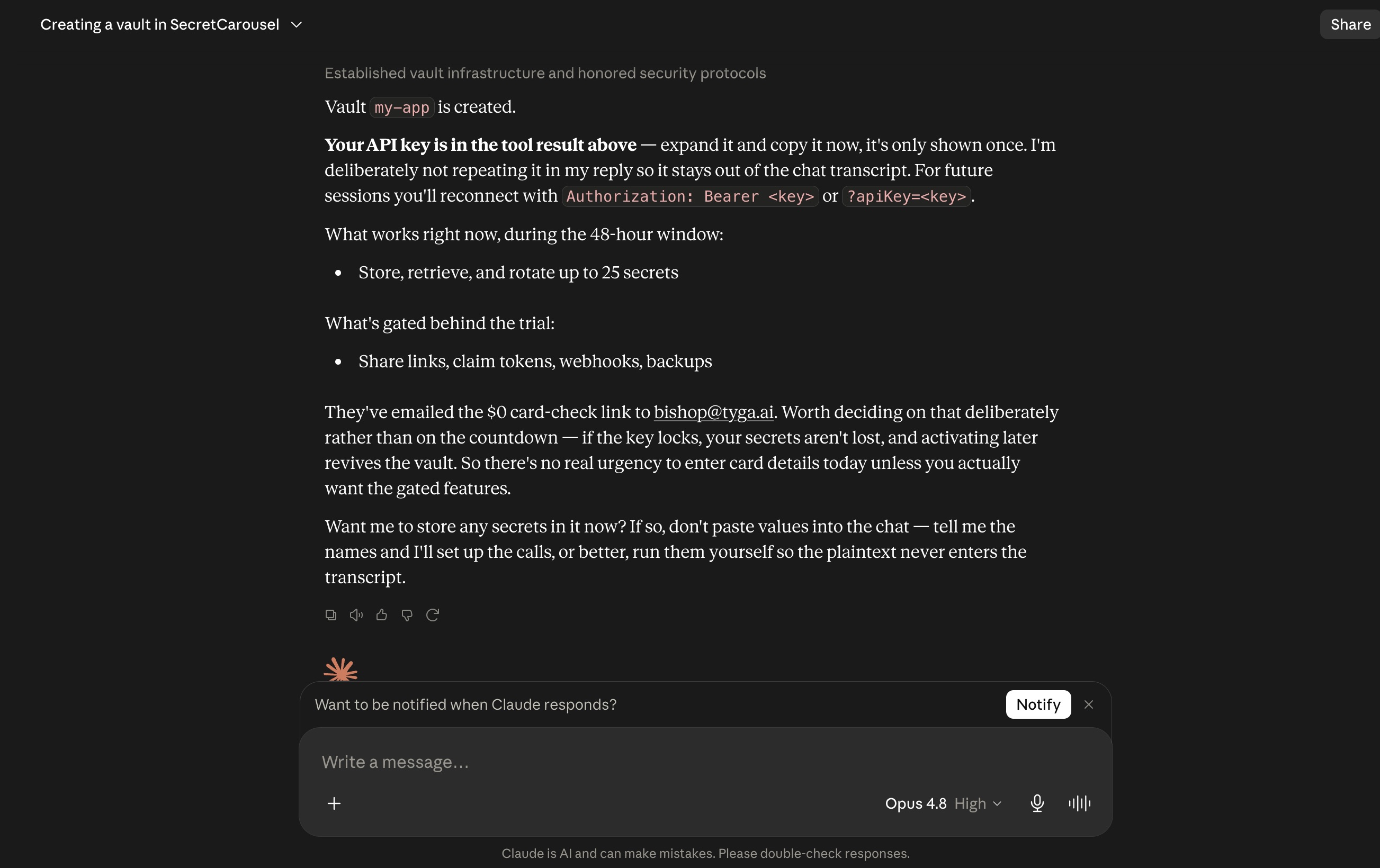
Meanwhile, check your inbox: SecretCarousel emails you the moment the vault is created — "your agent just created a vault" — with a link to sign in and start the 7-day free trial ($0 today, card check). Your vault starts in a 48-hour activation window: store, retrieve and rotate work immediately (up to 25 secrets), and the trial unlocks the rest — agent-to-agent claim tokens, share links, webhooks and backups. No card check within 48 hours and the key locks (your vault and secrets are preserved; activating later revives it).
For future sessions, edit the connector and reconnect with the key (?apiKey=sc_... on the URL). Every plan starts with a 7-day free trial — from $9/mo after.
Any hosted MCP client can point at the same URL. See the Remote MCP guide for JSON-config clients, or the Claude Code guide for the local CLI setup.
© 2026 Tyga.Cloud Ltd. All rights reserved.